Application Cache
Beware of the deprecation of Application Cache.
With the help of cache manifest, mobile web app can work in offline.
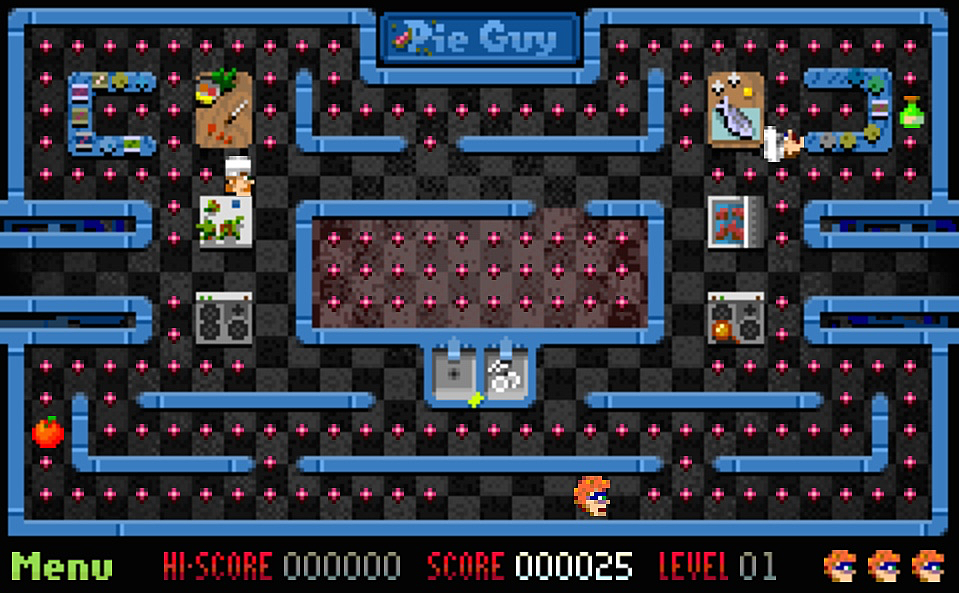
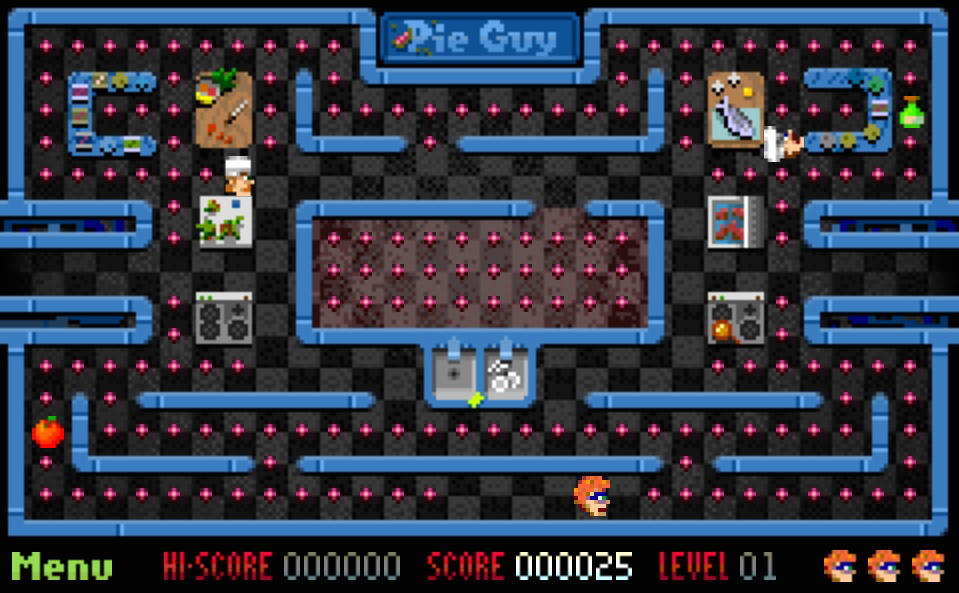
1 Add it to home screen
2 Go to air plane mode
3 Or even restart the device
4 Open the game in offline mode and it works as normal.
Here is how it looks like in the HTML tag.
<html manifest="cache-manifest.manifest">
And here is the content of the manifest file, which contain all the assets file the Pie Guy game needs
CACHE MANIFEST
# Version 1.0.3

index.html
main.js
images/about-text.gif
images/default.png
images/font1.gif
images/game-over.gif
images/guy1.gif
images/guy2.gif
images/guyFlip.gif
images/chef0-1.gif
images/chef0-2.gif
images/chef0-flip.gif
images/chef1-1.gif
images/chef1-2.gif
images/chef1-flip.gif
images/life.gif
images/map0.png
images/map1.png
images/menu-about-active.gif
images/menu-about-small-active.png
images/menu-about-small.png
images/menu-about.gif
images/menu-back.gif
images/menu-back-active.gif
images/menu-continue-active.gif
images/menu-continue.gif
images/menu-new-active.gif
images/menu-new.gif
images/menu-rotate.gif
images/menuButton.gif
images/notice-level.gif
images/notice-time.gif
images/notice-tokens.gif
images/notice-total.gif
images/pie-complete.gif
images/bonus-score.gif
images/scoreBar.gif
images/splash.png
images/token1.gif
images/token2.gif
images/token3.gif
images/token4.gif