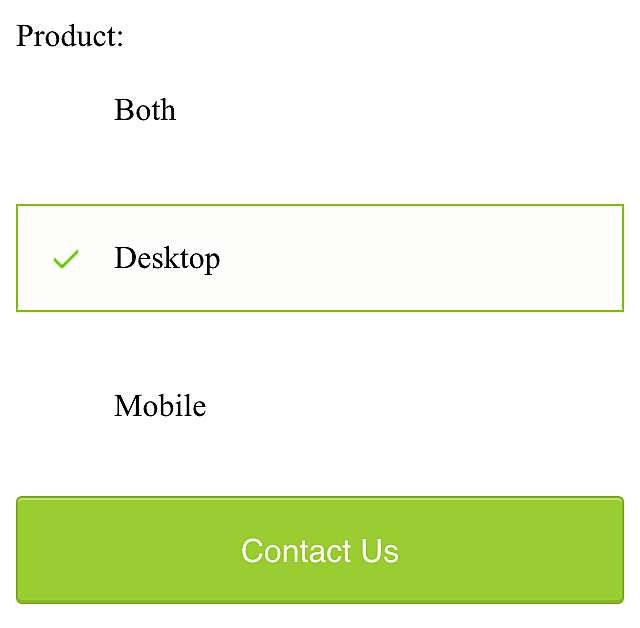
Styling radio button
HTML
<input type='radio' id='desktop-product' name='product' value='desktop'>
<label for='desktop-product'>Desktop</label>
<br>
<input type='radio' id='mobile-product' name='product' value='mobile'>
<label for='mobile-product'>Mobile</label>
CSS
input[type='radio'] {
  display: none;

  &+label{
    display: block;
    font-size: 1rem;
    padding: 1rem .5rem;
    padding-left: 3rem;
    border: 1px solid transparent;
  }
  &:checked+label {
    border-color:YELLOWGREEN;
    background-color: lighten(YELLOWGREEN, 49%);
    background-image: url(tick.png)
    background-position: 16px 50%;
    background-repeat: no-repeat;
  }
}