Testing in Web Browser
Using Developer Inspector
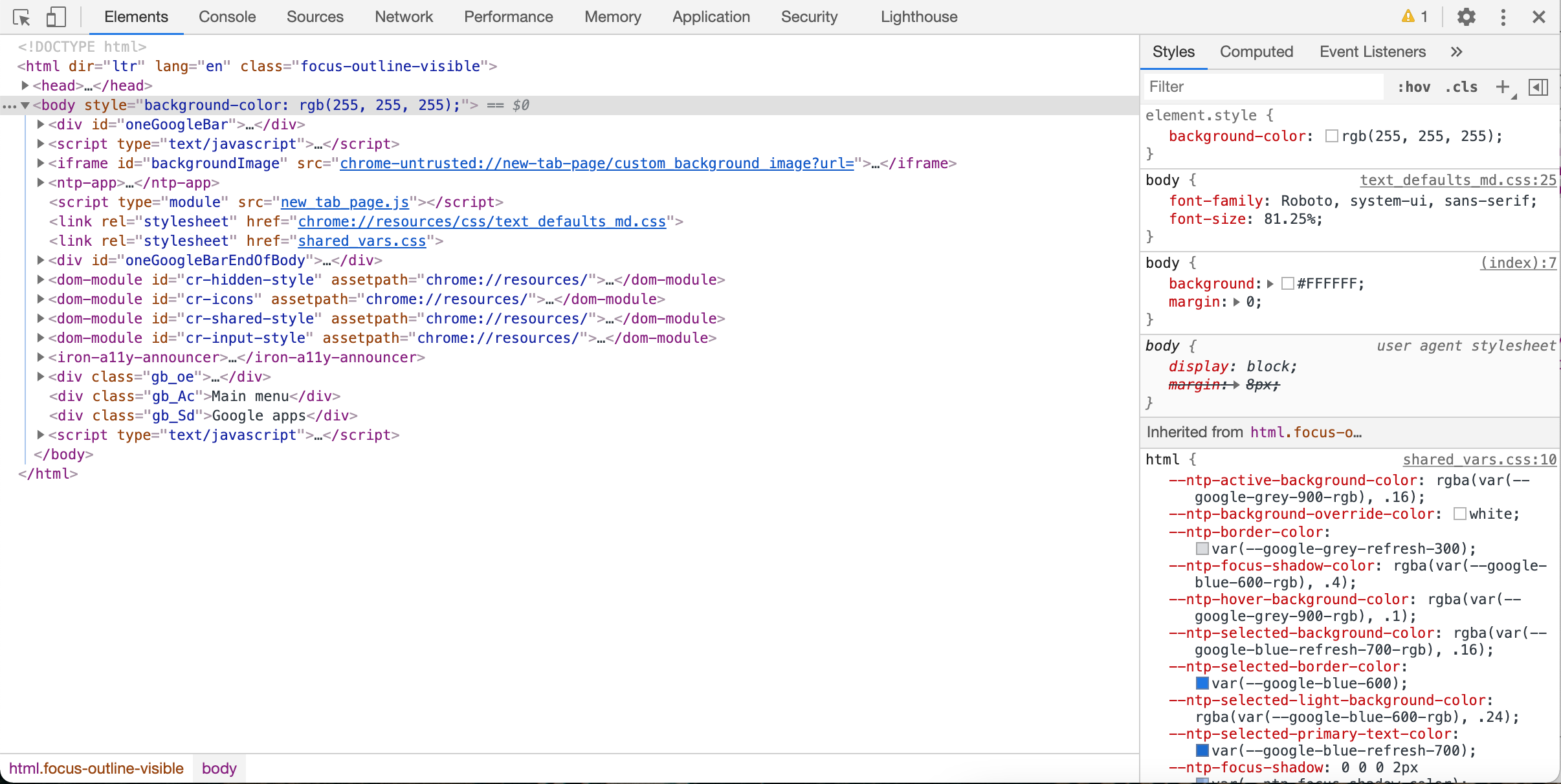
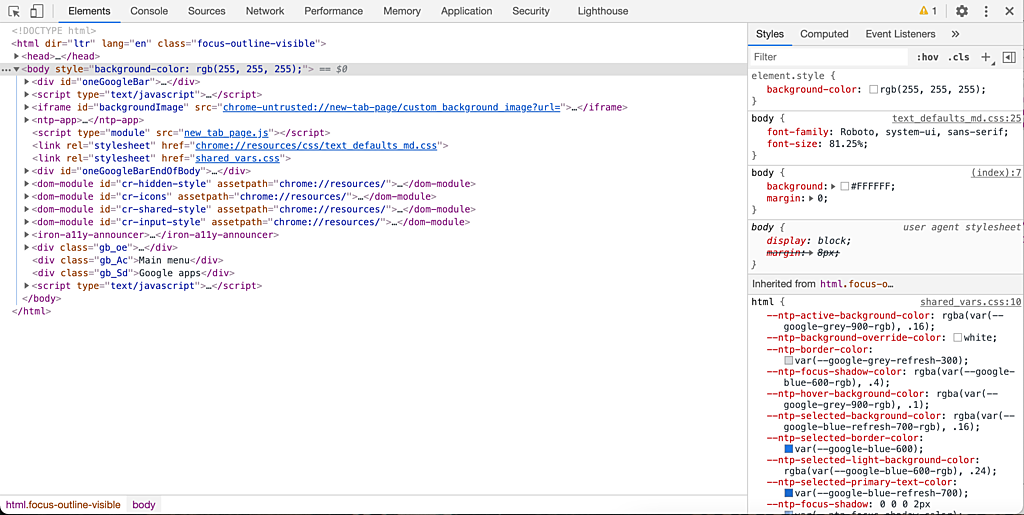
In desktop, we can press F12, or right click and choose "Inspect" to open the developer inspector.
In the inspector, we can:
- inspect the CSS styles.
- toggle and editing CSS styles.
- inspect Flexbox and Grid layout.
- inspect local storage.
- simulator slow and offline internet.
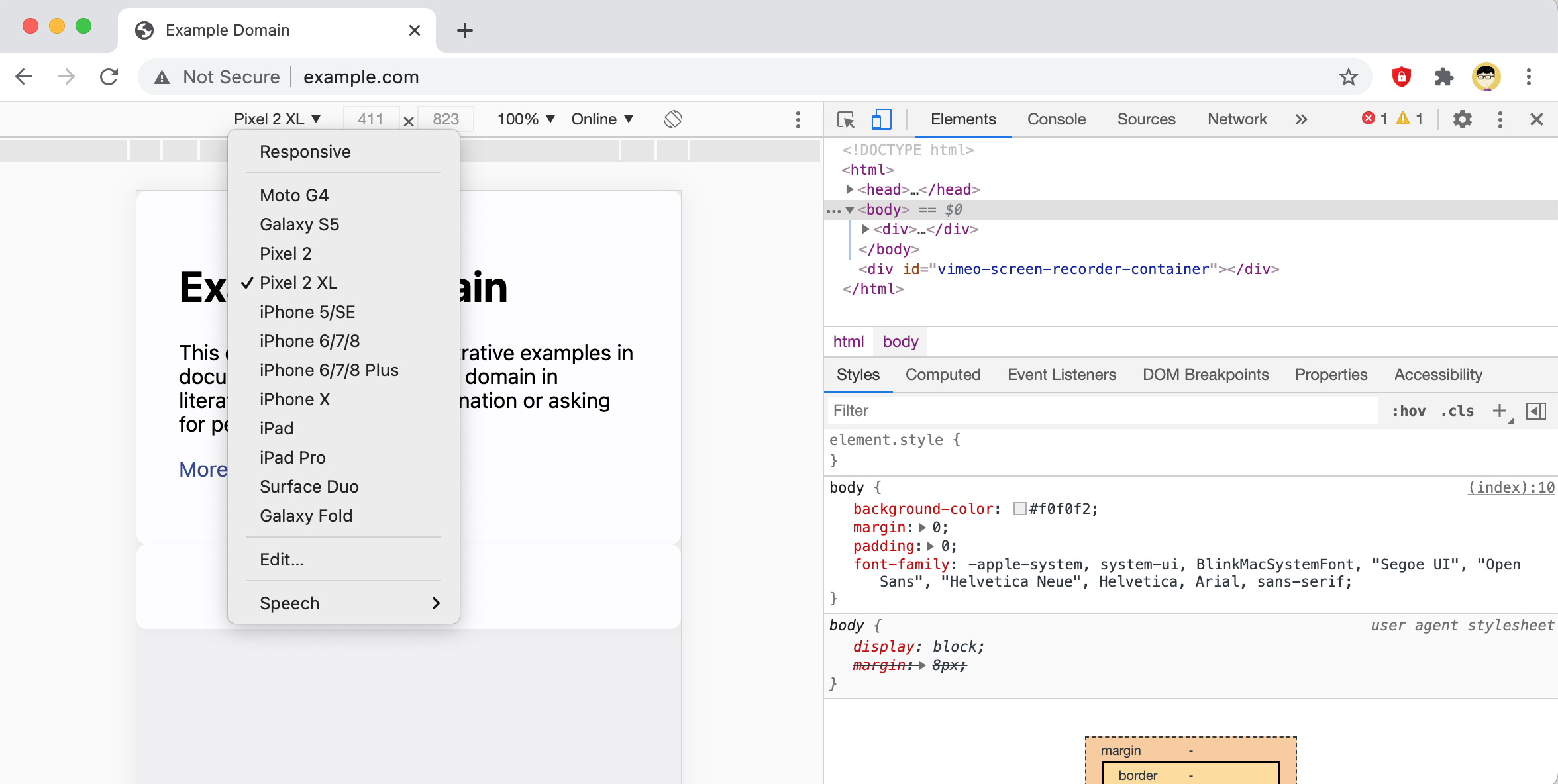
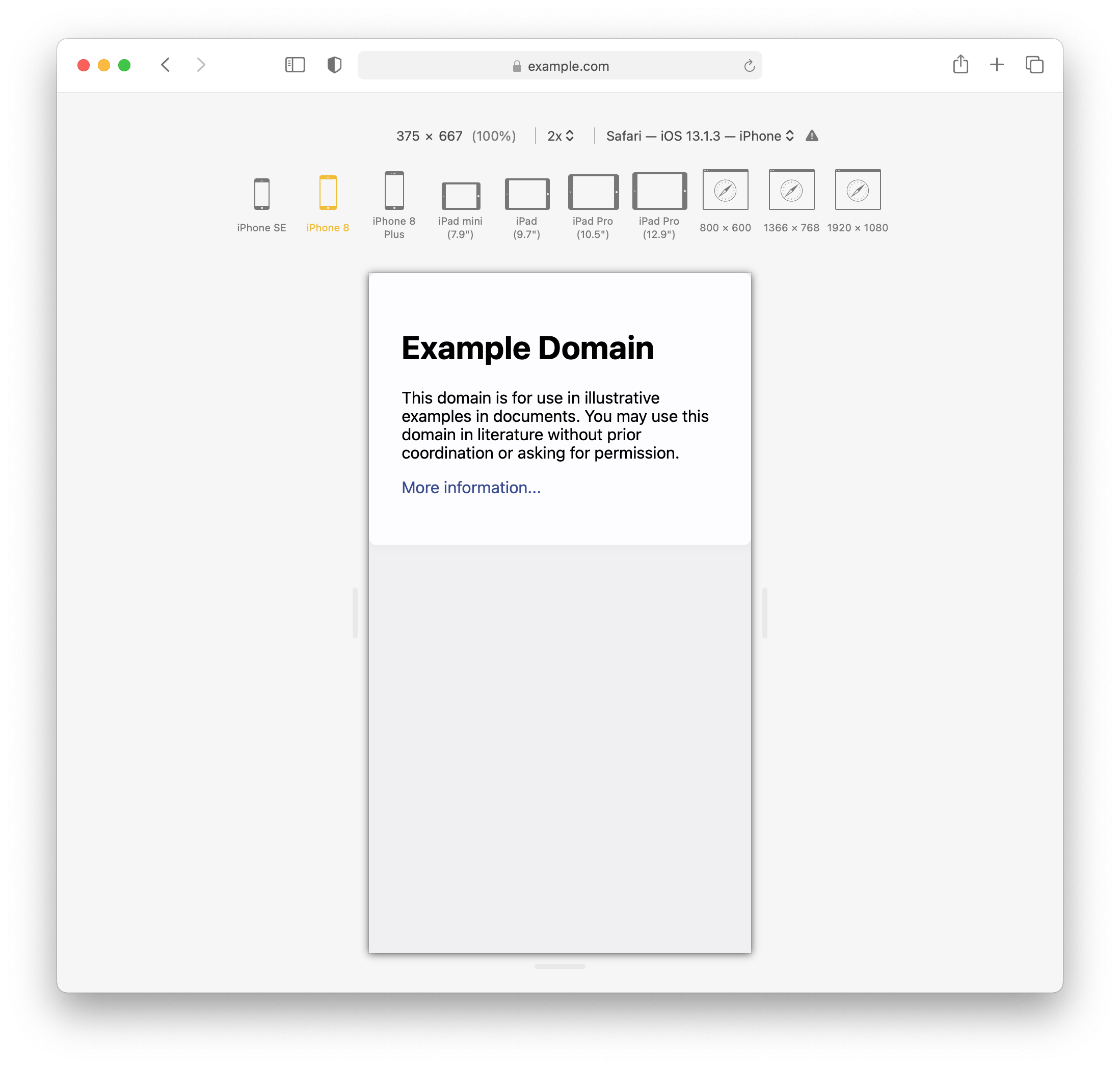
- simulate mobile devices.
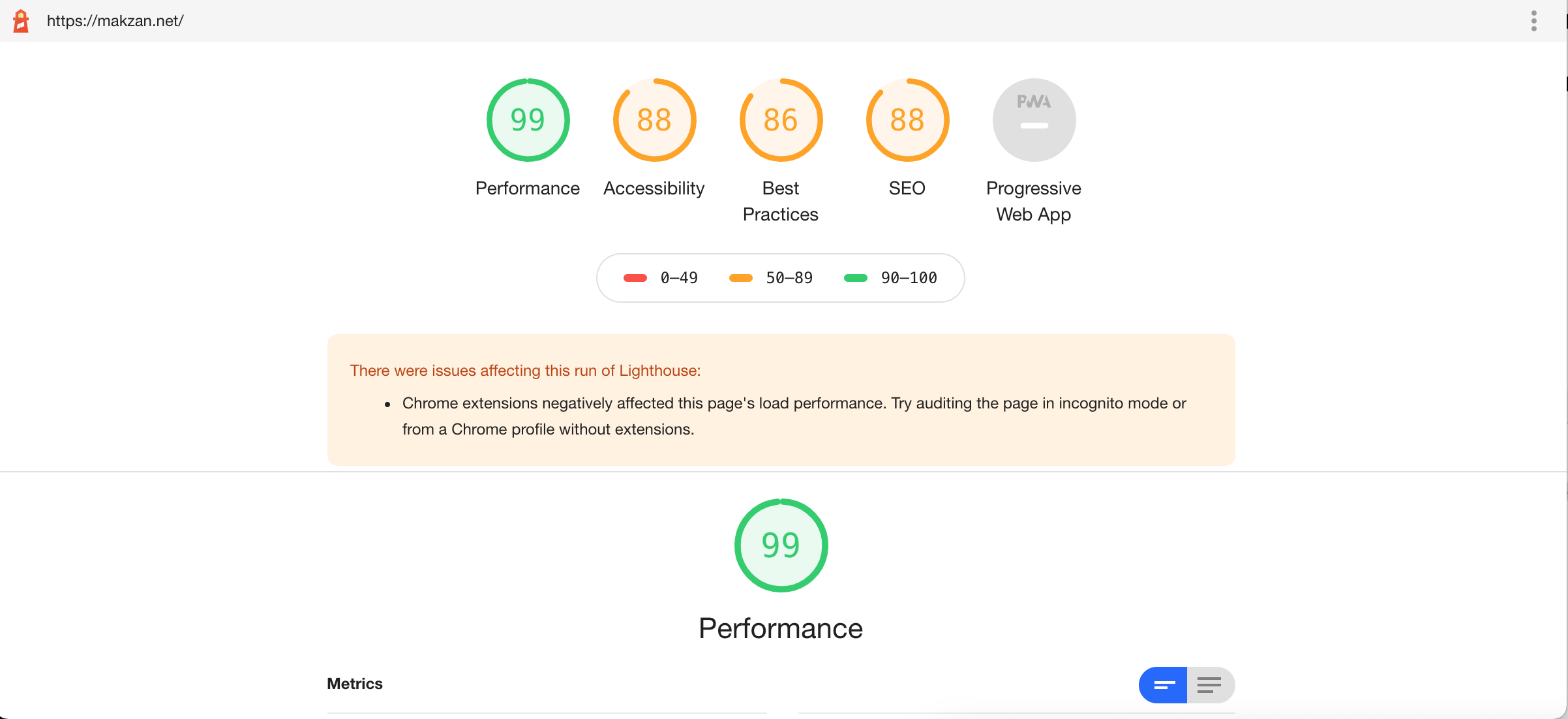
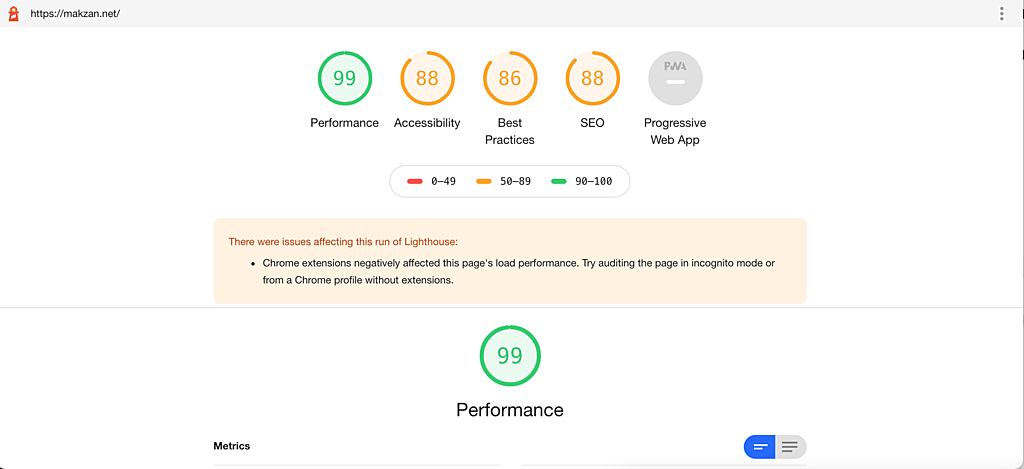
- running auditing tools.
Simulating in Desktop Browser
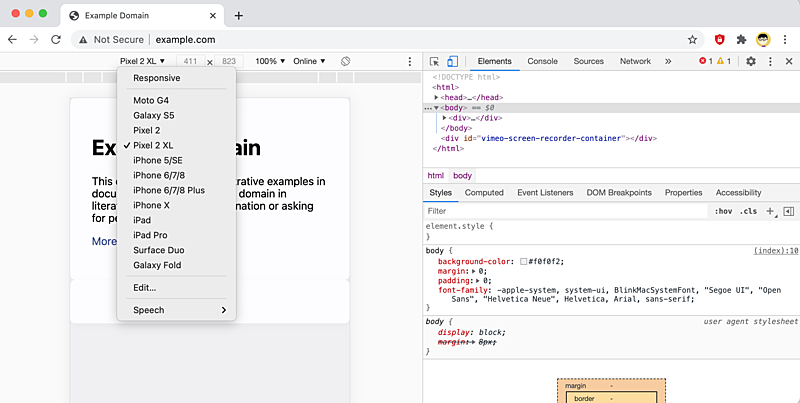
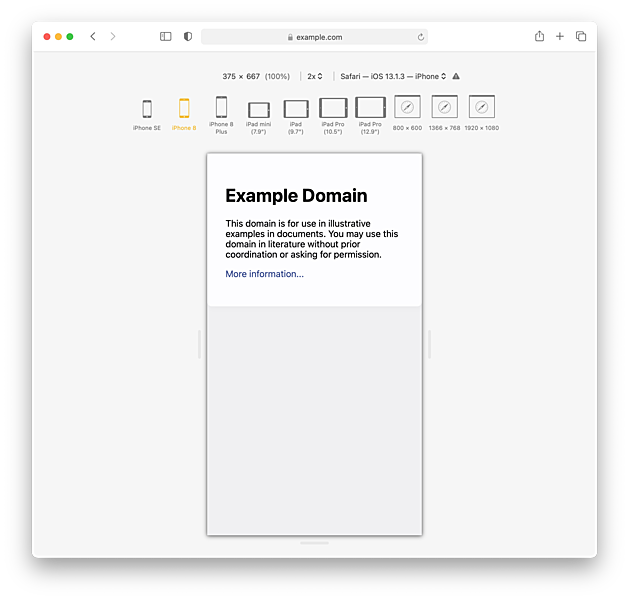
We can simulate mobile web and test the media queries by using desktop browsers.
Here are the screenshots of using Safari and Chrome.