Testing in real devices
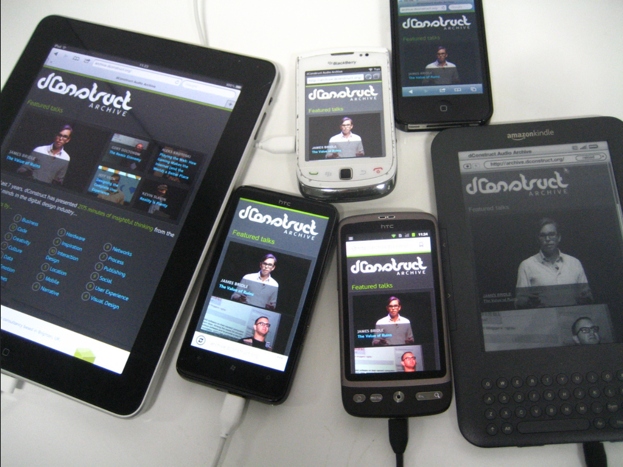
Beside simulating our web in the mobile simulator, we need to have real devices to further test it.
Not only because simulator cannot simulate all the things, but also because holding the web on hand is important. We need the feeling of scrolling the screen, tapping on links and buttons, and inputting the form value with the virtual keyboard.
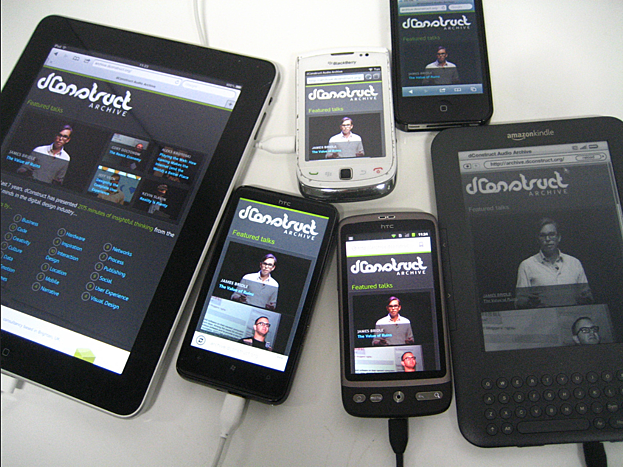
Photo taken by Jeremy Keith.
On Testing Devices
- Screen Min-Max
- Performance Low-end - Mid-end
iOS
- $4500 iPhone SE
- $6500 iPhone XR
Android
- $5500 Edge-curve S10
- $4000 Huawei Mid-end
- $1xxx Low-end
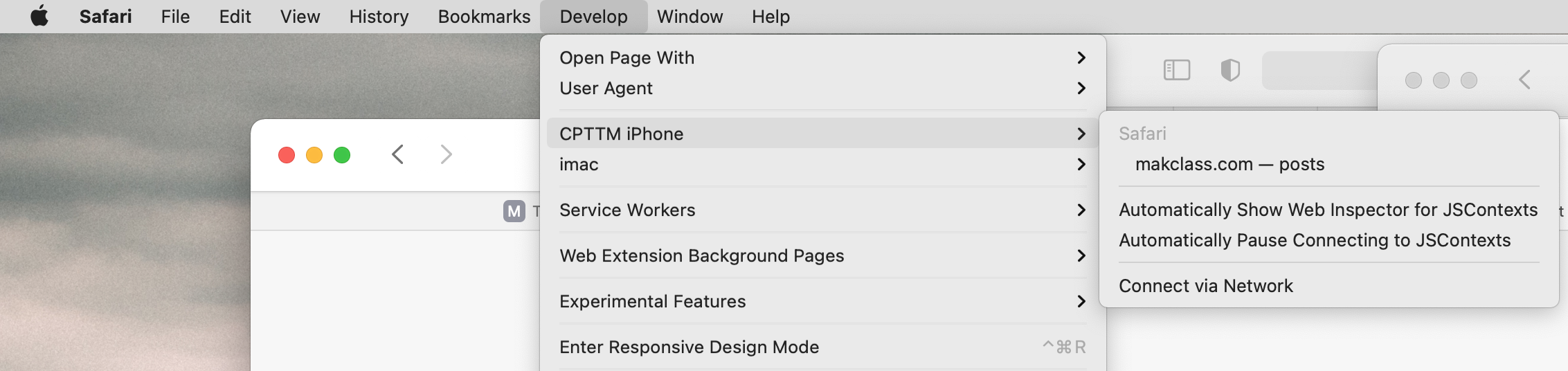
Inspecting mobile Safari in iOS
We can use inspector to inspect live mobile Safari via iOS and Mac.
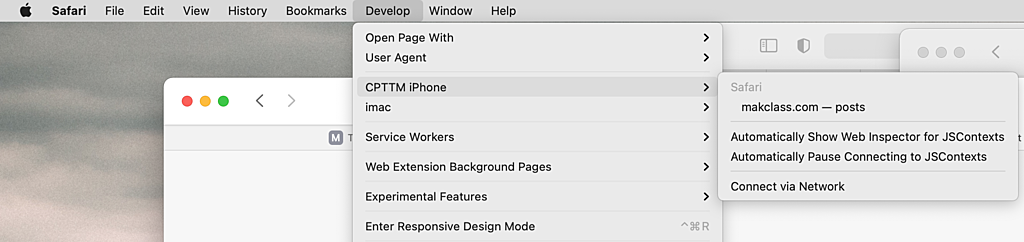
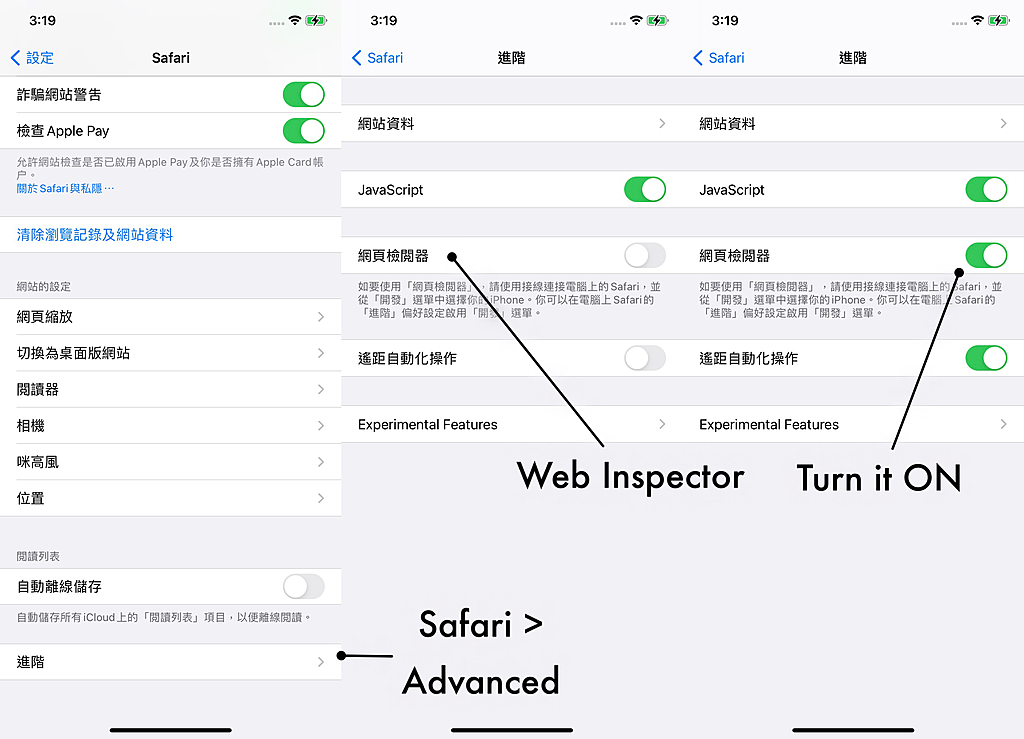
Here is how:
- open the Settings app
- go to Safari
- scroll down to Advanced
- enable the Web Inspector toggle