Testing in simulator
We will also need to install emulator for both iOS and android system.
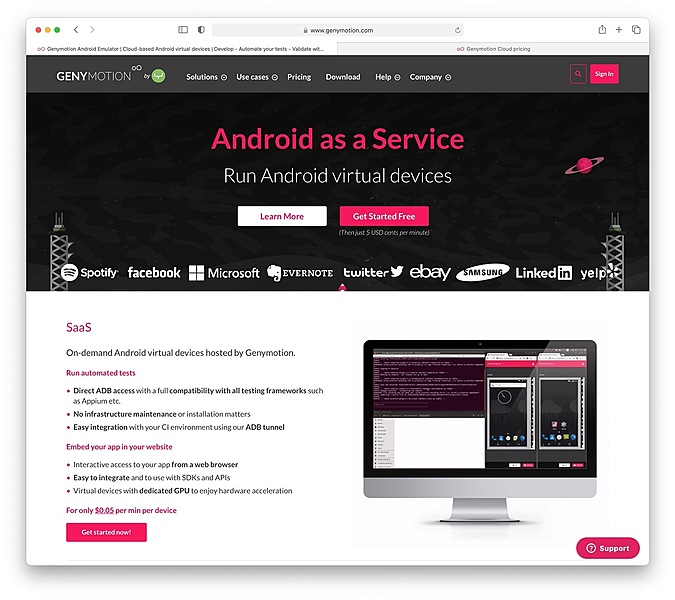
The iOS simulator can be installed via the XCode, the apple development toolkit. The android emulator, on the other hand, can be installed via the android SDK. Alternatively, 3rd party emulator may be used, such as genymotion.
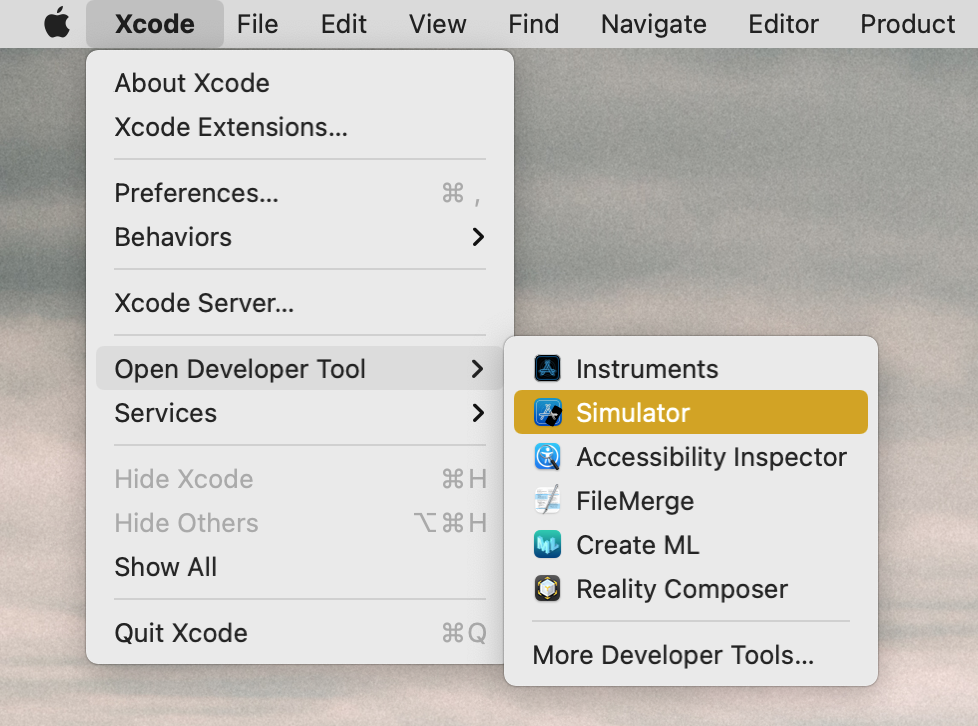
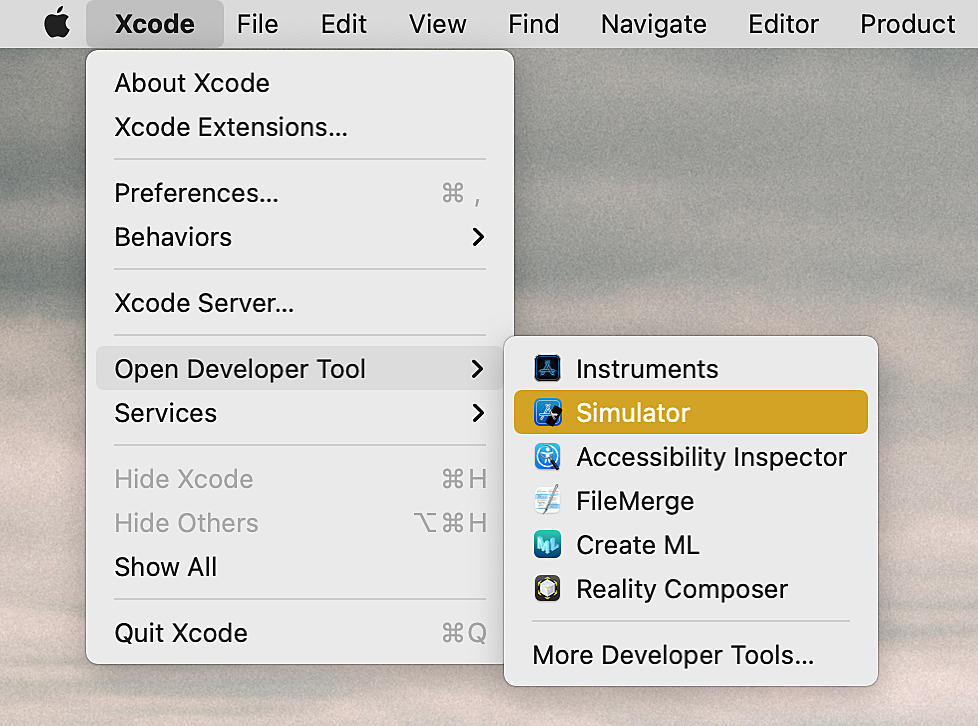
Launching iOS Simulator in Xcode
- Launch Xcode.
- Choose Xcode on top left of menu bar.
- Choose Open Developer Tool.
- Choose Simulator.
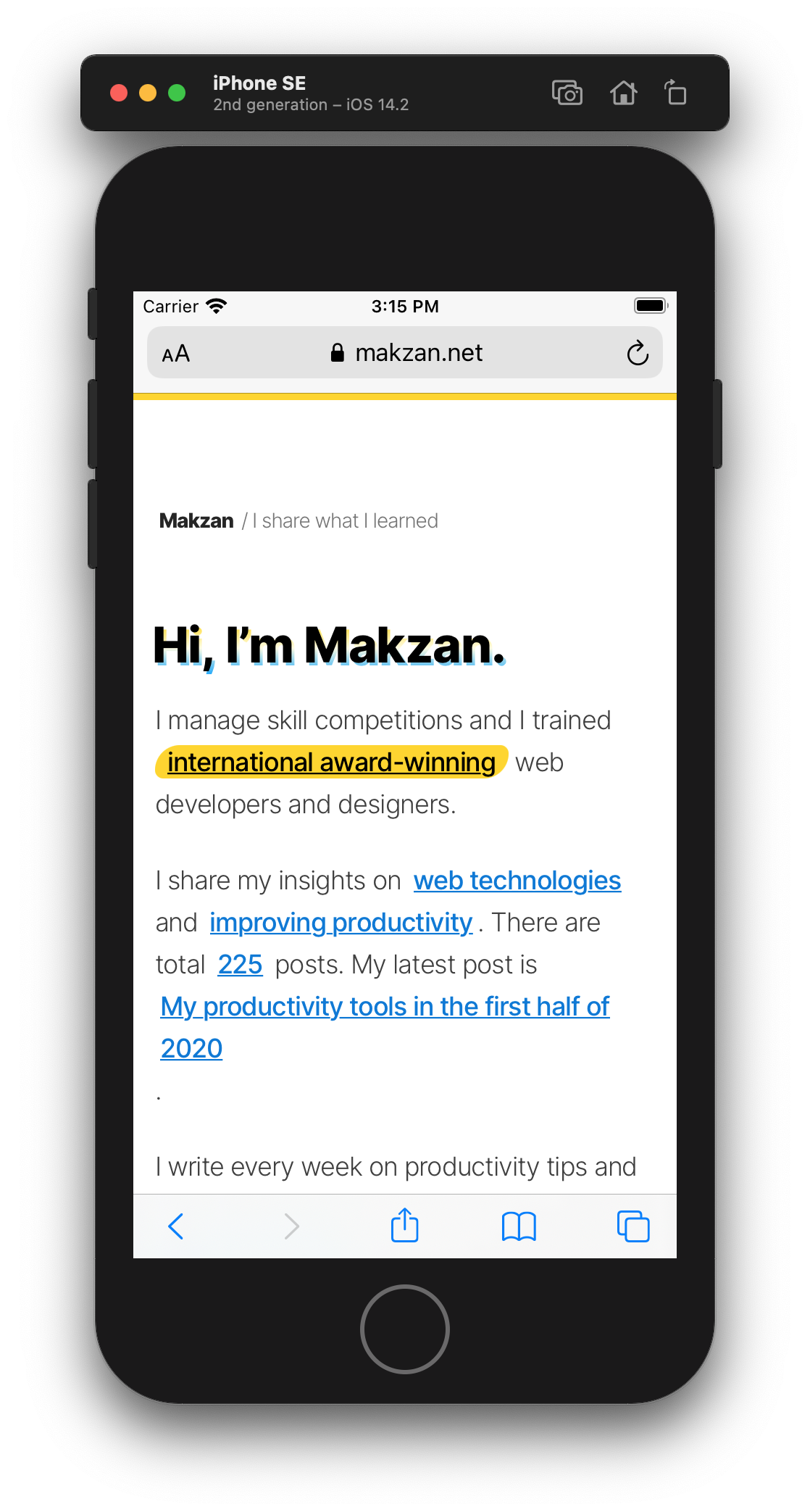
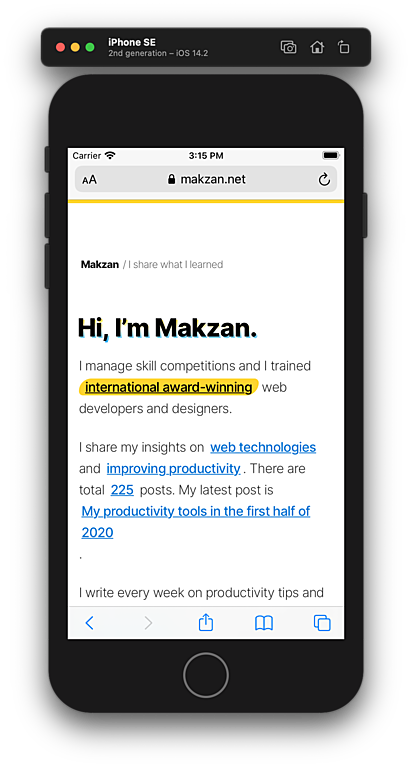
Here is a screenshot browsing mobile web with iOS.
Testing in Android simulator
Android Studio comes with Android emulator. There are also company that provides simulation, such as GenyMotion.
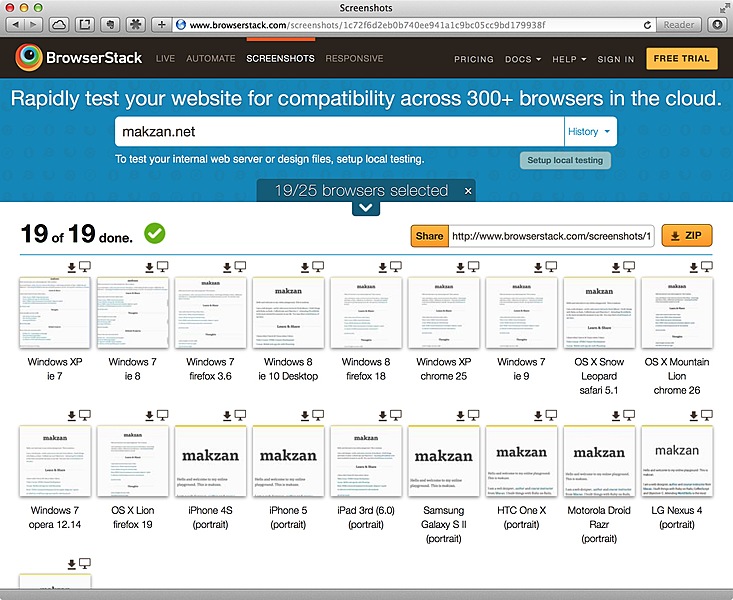
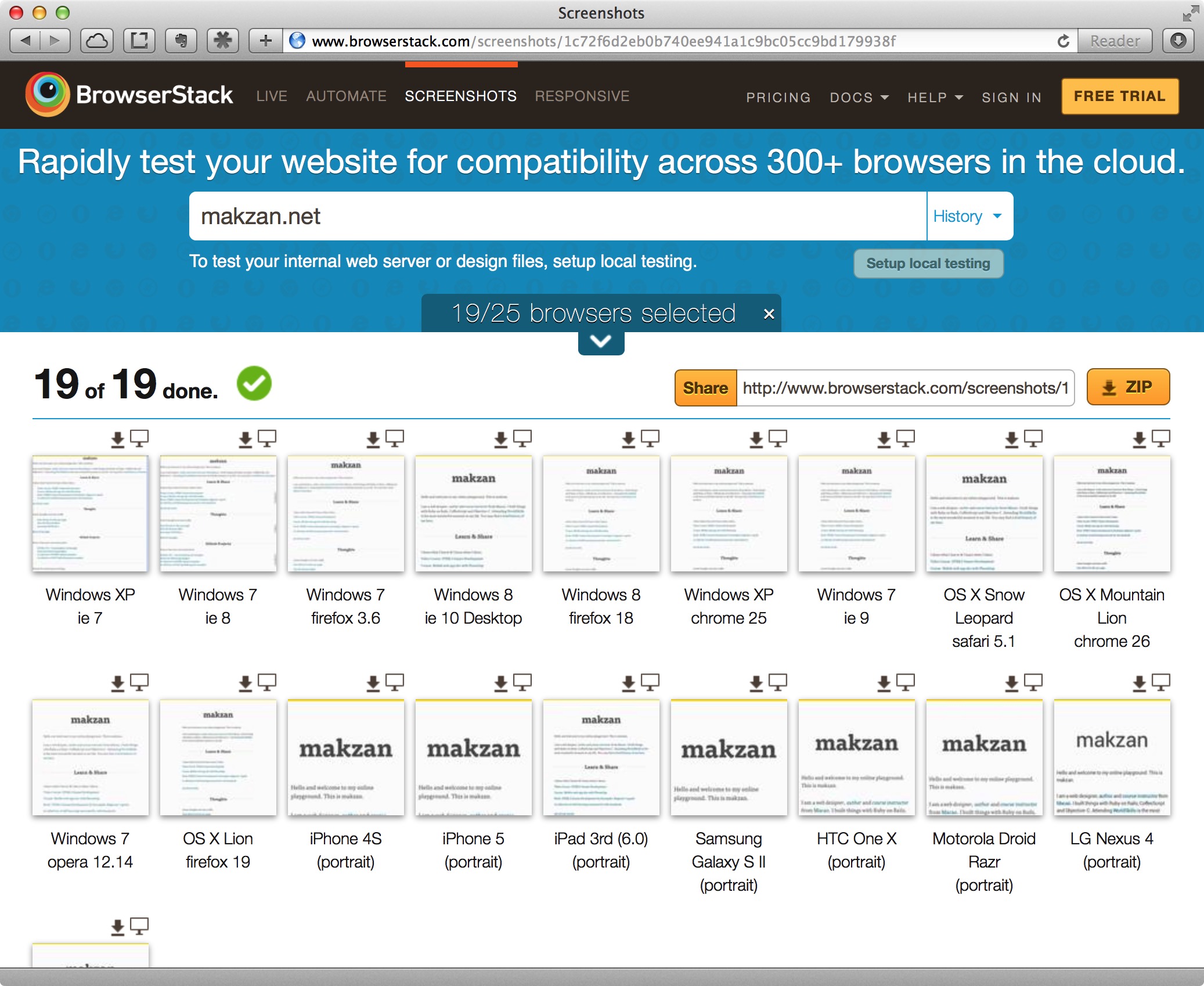
BrowserStack also provide screenshots of the web running in different mobile devices.
But to be honest, I usually head directly to real devices testing in Android devices.